
Shoes
Compare shoe profiles and sole patterns across listings, then inspect available QC for closer views. Separate lists for sneakers, leather shoes, boots and sandals help keep a shortlist focused. Check measurements on the current source offer.
Explore the CNShopper Spreadsheet through product pictures, focused categories and source links. Compare clothing, footwear, accessories and available QC before opening a listing.
Compare shoe profiles and sole patterns across listings, then inspect available QC for closer views. Separate lists for sneakers, leather shoes, boots and sandals help keep a shortlist focused. Check measurements on the current source offer.
Look at prints, necklines and cuts while browsing tees, shirts, hoodies and knitwear. Style previews distinguish the pictures; original links distinguish the listings. A shared photograph does not mean two seller offers are identical.
Trousers, shorts and skirts have their own lists. Compare front shapes, pockets and hems before checking waist and length measurements. Narrow the list by brand or name and keep the original link for each candidate.
Inspect jacket and coat closures, collars and back views, including lining pictures when provided. Use the source description to check materials and fit; a single image cannot establish warmth.
Start with the whole outfit, then inspect the top and bottom separately. Check the stated contents of the source listing so accessories in a styled photo are not mistaken for included pieces.
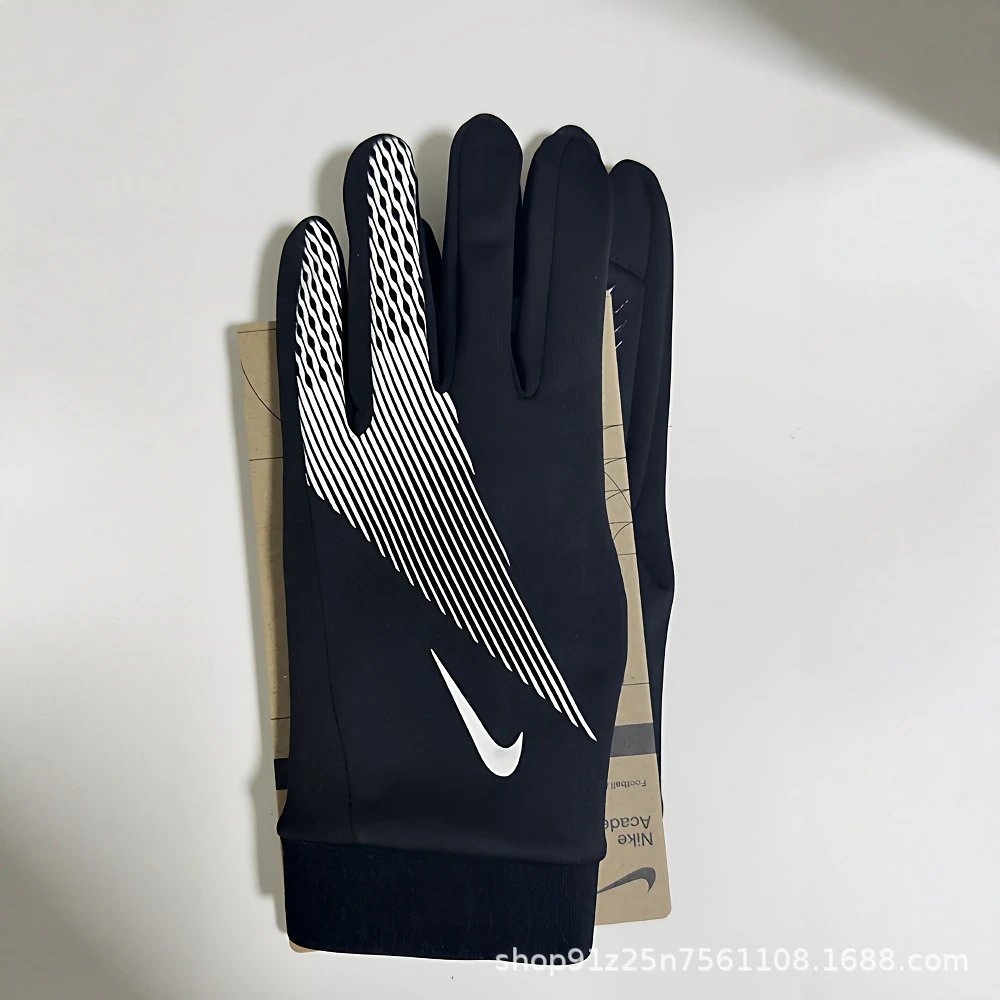
Compare basics such as underwear and socks through texture, stitching and style photos. Confirm quantity, material and size ranges in the current listing; reference pictures cannot establish how an item feels.
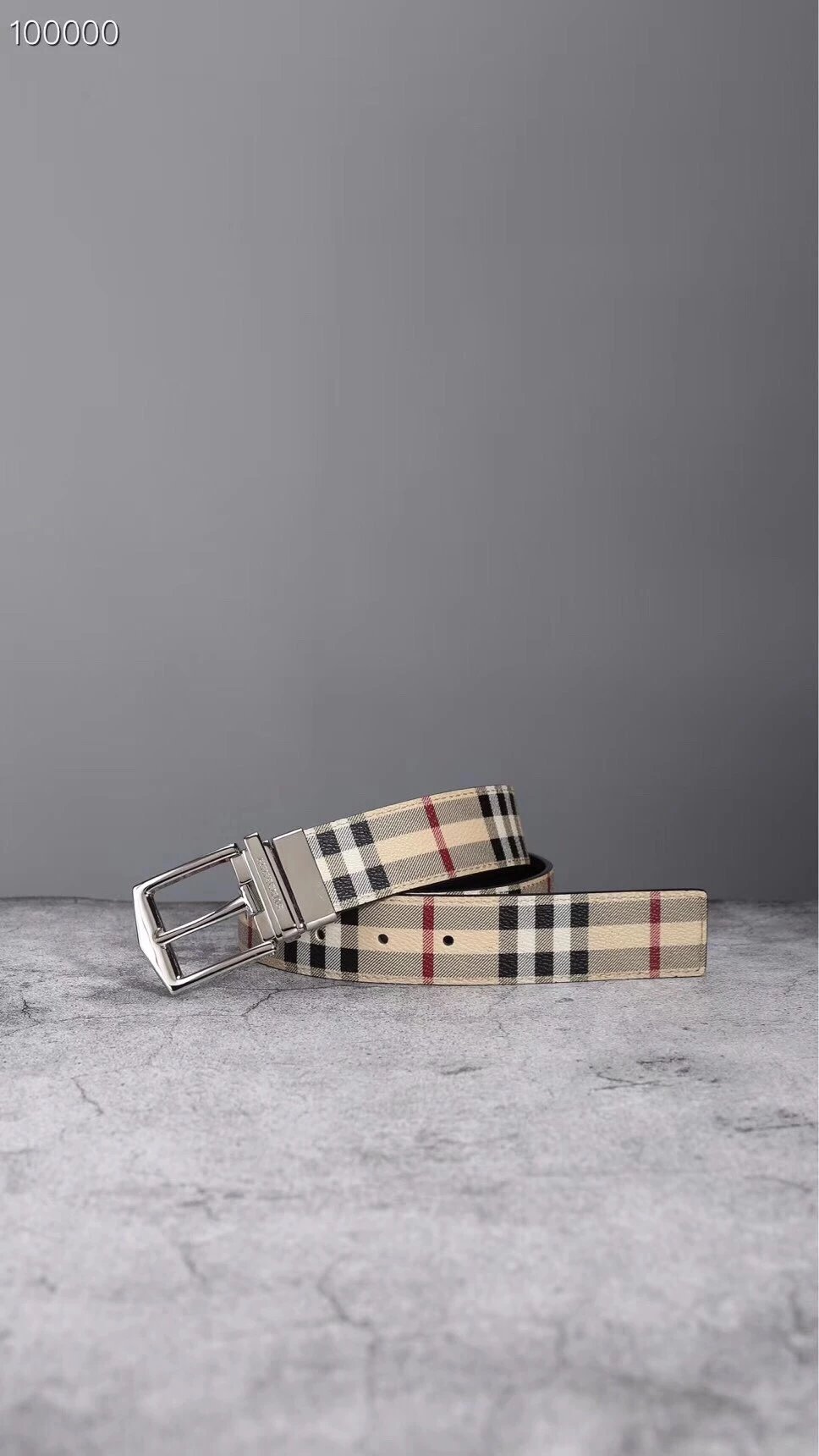
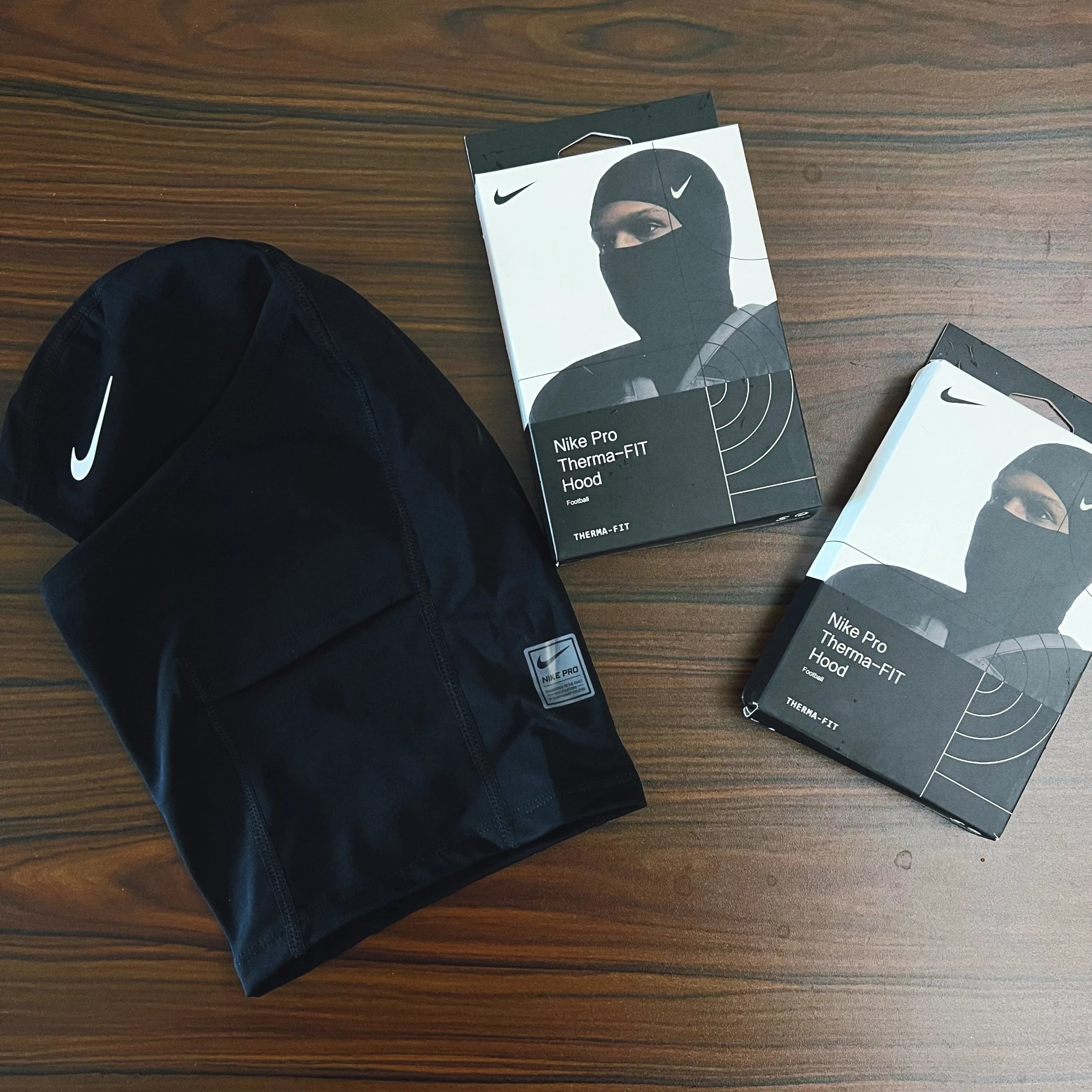
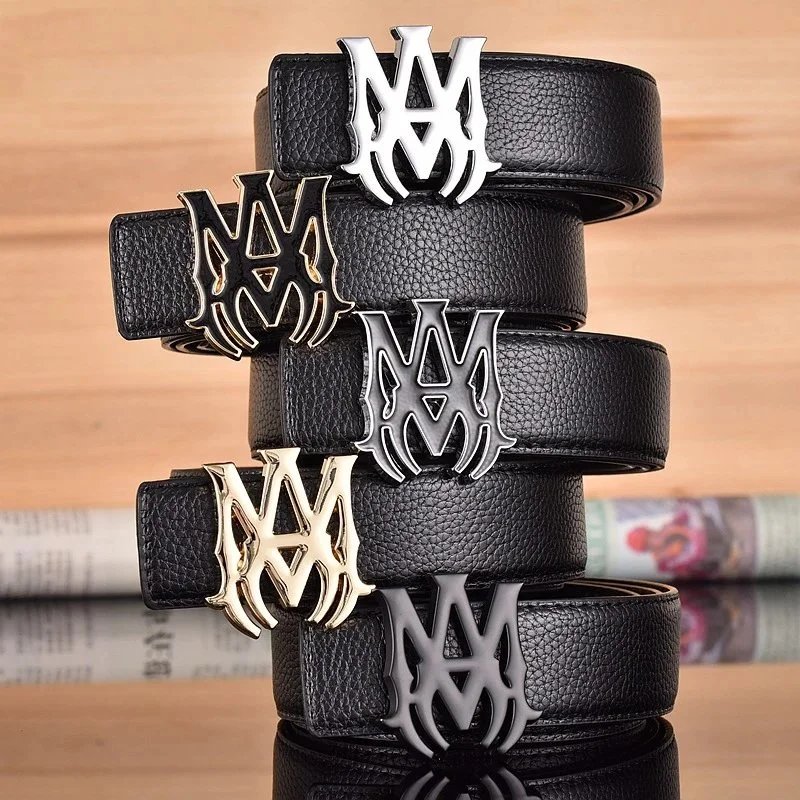
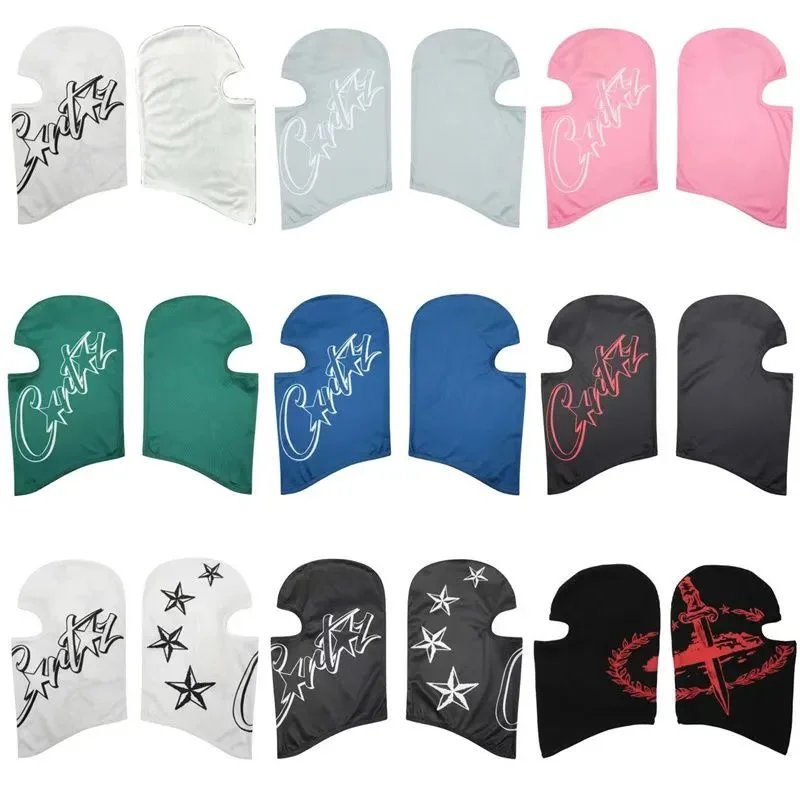
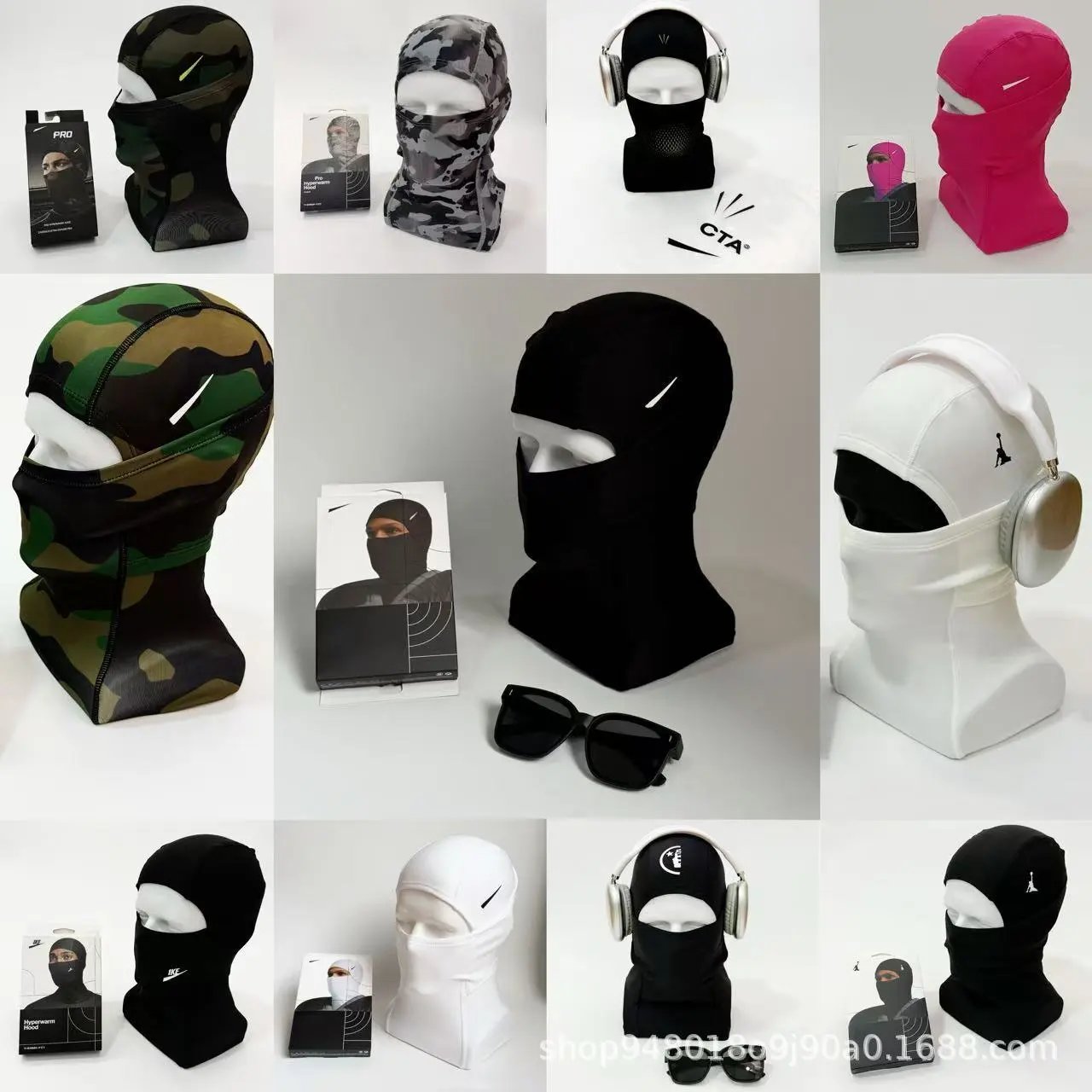
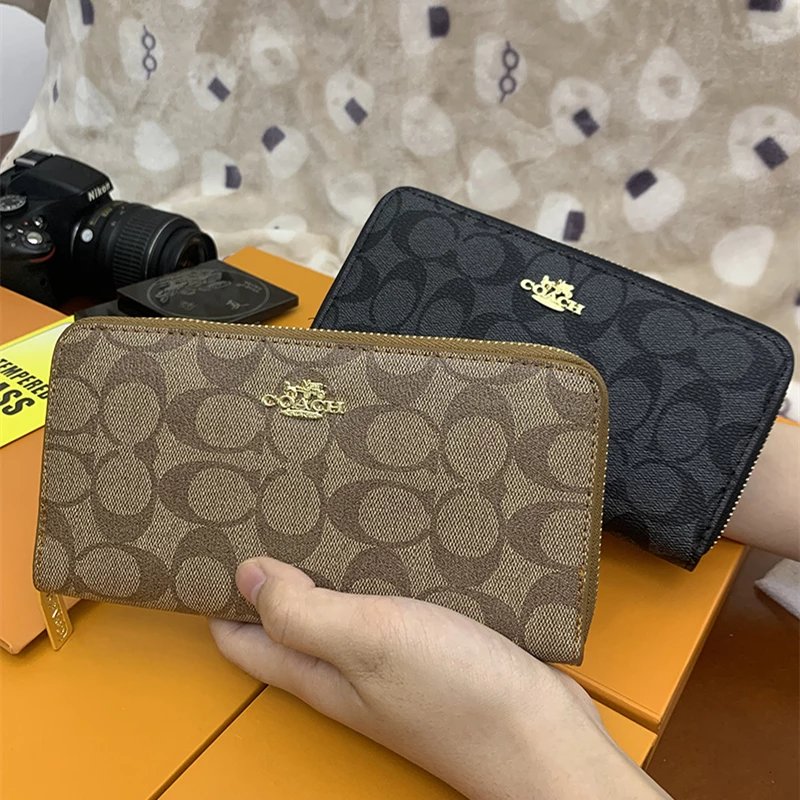
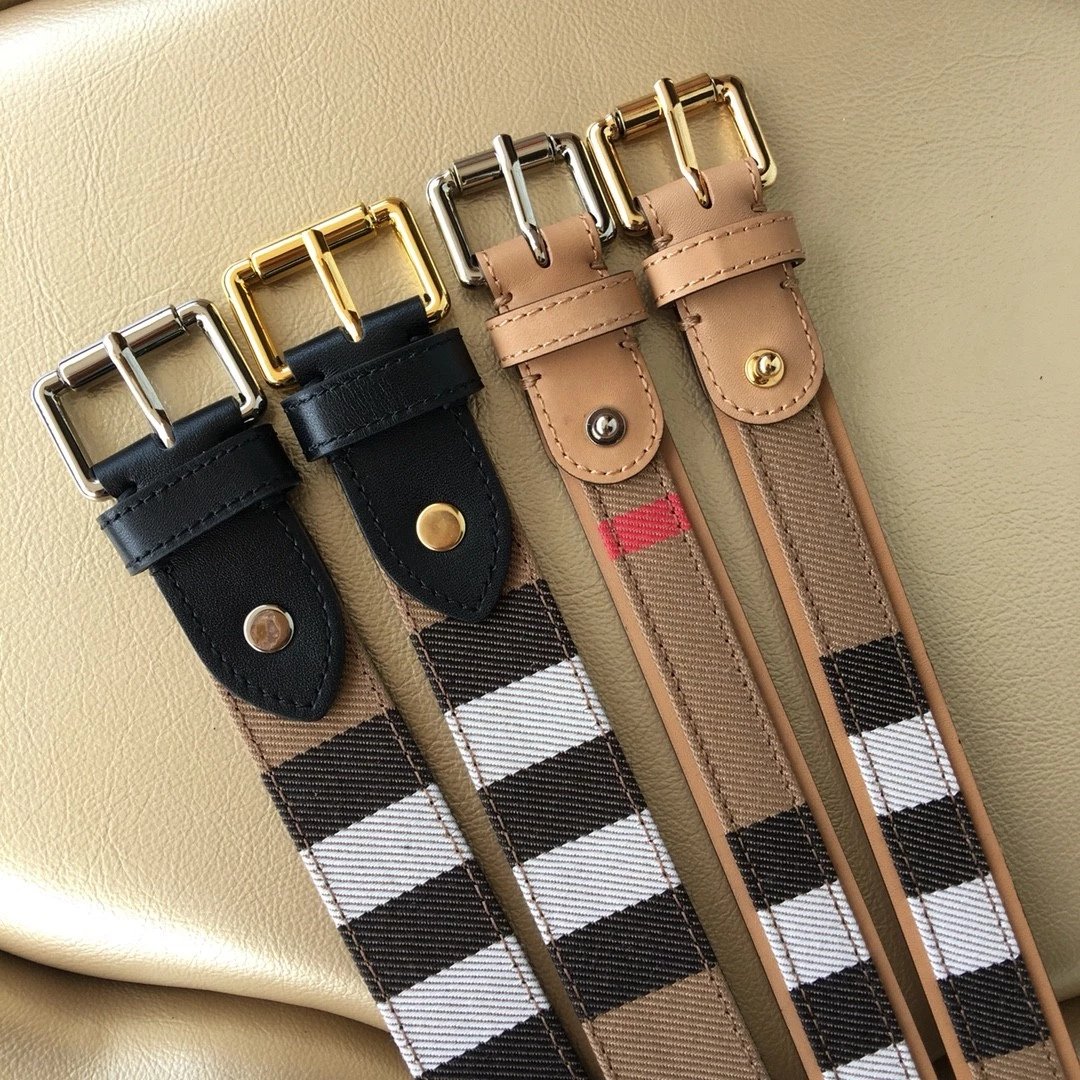
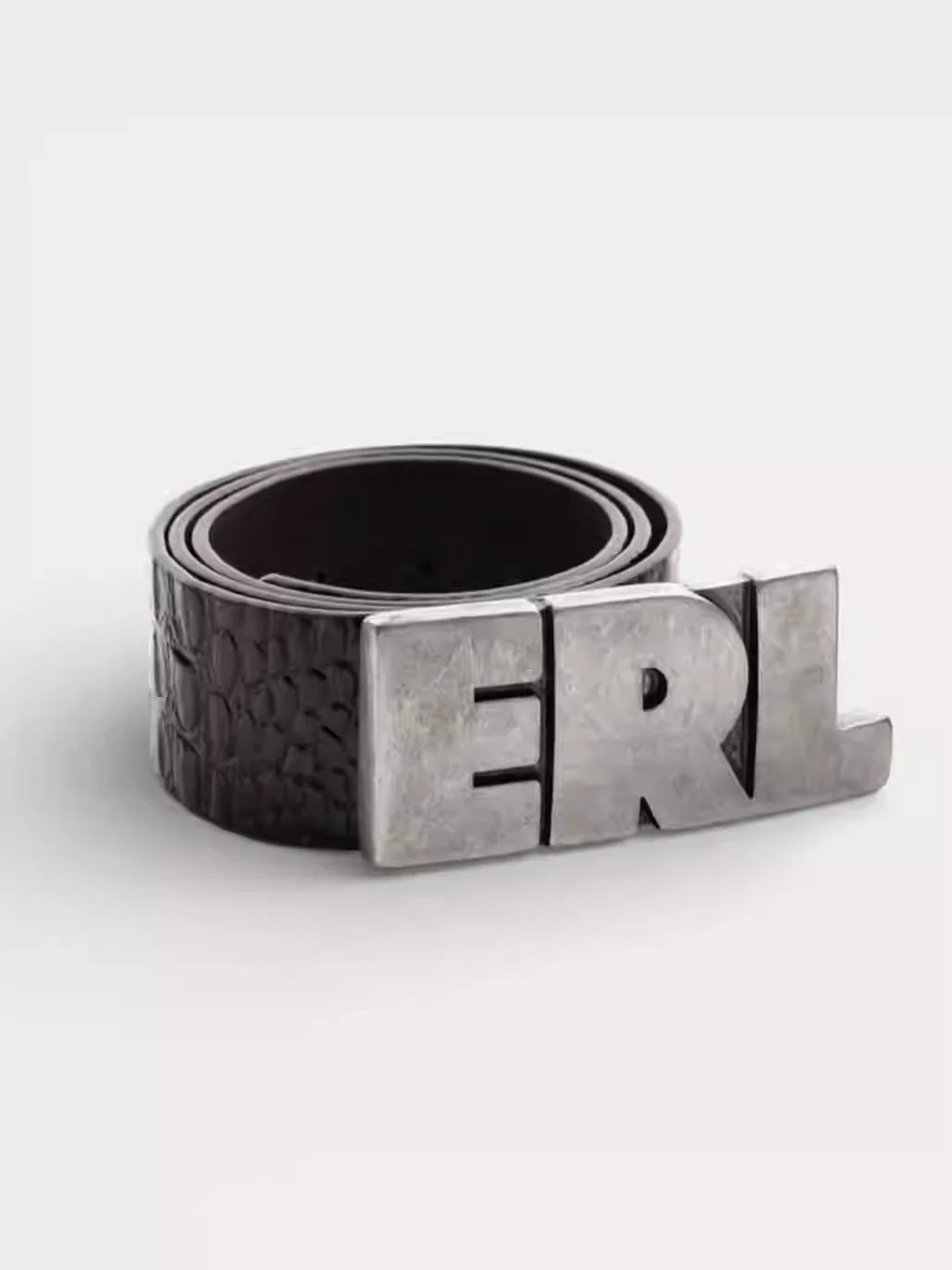
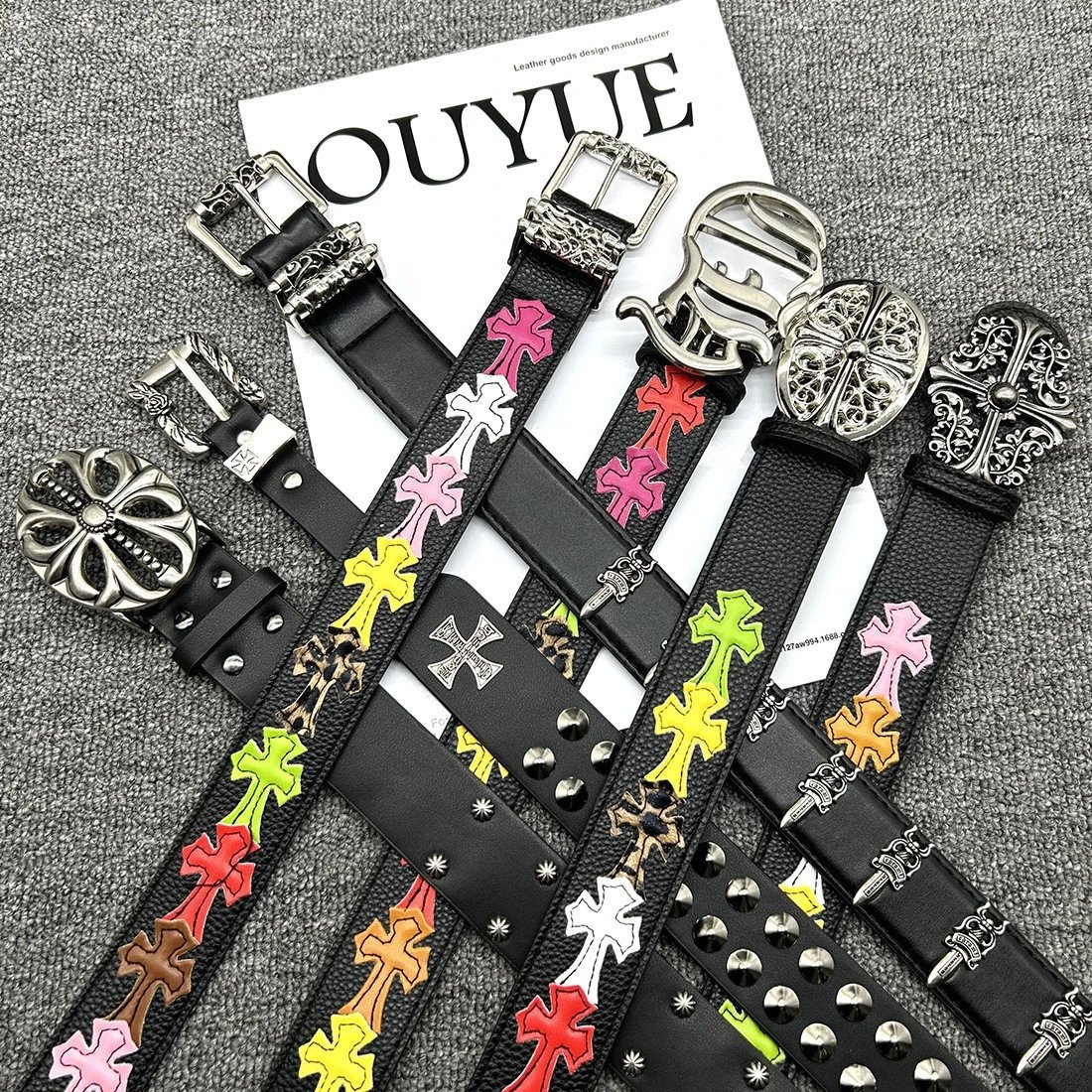
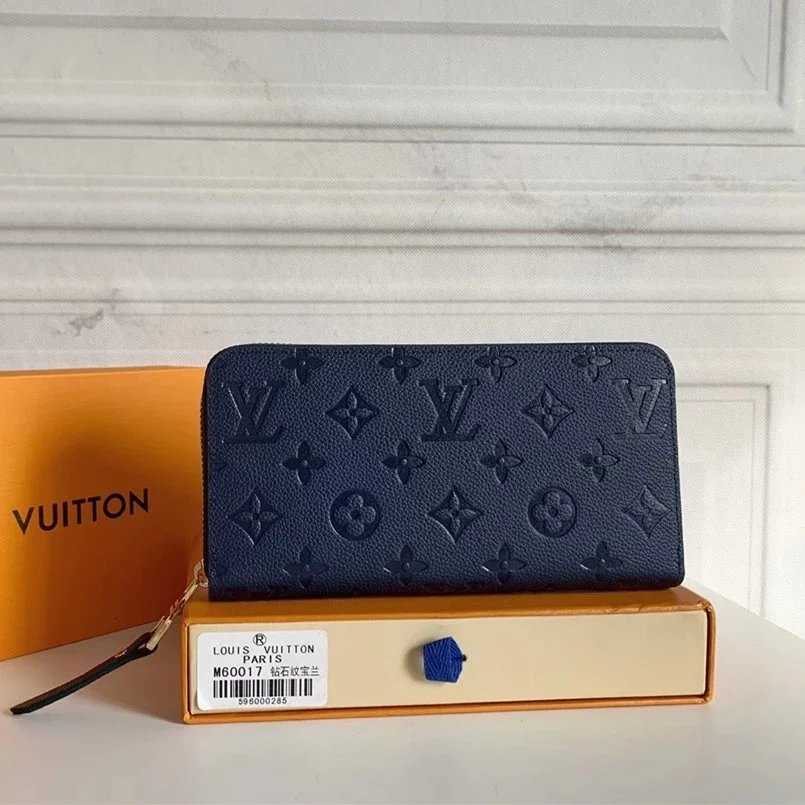
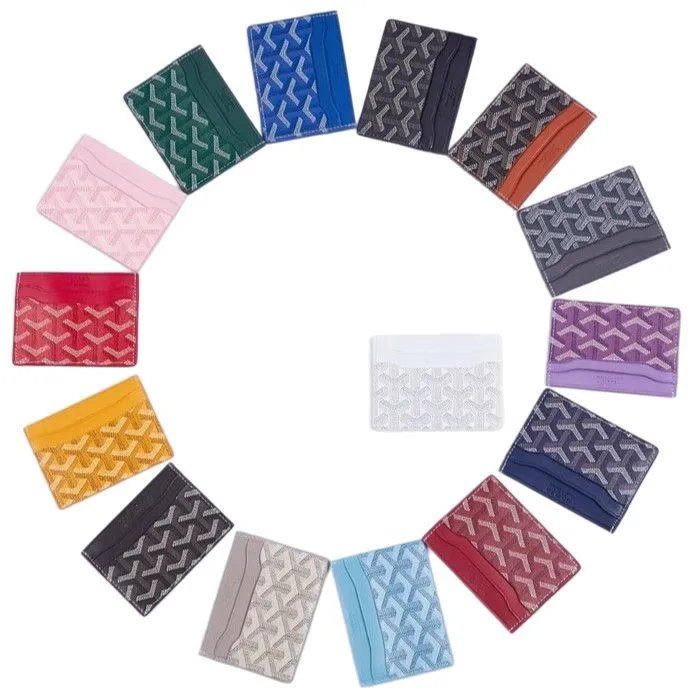
Open focused lists for bags, hats, belts and watches. Compare dimensions, closures, dials and interior views while keeping each source link attached to the right candidate.
For devices and electronic accessories, a similar exterior still needs a model check. Compare ports, specifications and package contents, then confirm compatibility before following the source listing.
Use a name or photo to explore everyday objects and other finds. Each item keeps its own pictures and source; open the detail page to check dimensions, materials and included pieces.
Browse source listings by category, name or photo. Each detail page keeps the product gallery, pictured options, reference price and available QC together before you continue to CNShopper.
Start with a short product name, then choose one category or brand. Sorting changes the order of that same selection; removing a filter keeps your other choices.
Compare the item shape, small details and original source link. Similar photographs can belong to different products, so an image match is a starting point rather than a confirmed match.
No. Clicking a preview changes the picture here. Choose and confirm your actual size, color and option on CNShopper before ordering.
No. Existing QC is a reference associated with the source item and is shown only when available. Inspect the photos of your own order separately.
The CNShopper button opens the supported source item using its original product ID. Copy Weidian link keeps the original seller address for your own reference.
Yes. USD is selected initially; use the currency control in the header to change the displayed reference amounts. Confirm the current price on CNShopper.
CNShopper Sheetz is an independent discovery site with affiliate links. Account registration and purchasing take place on CNShopper; a referral link may earn us a commission.